Getting Started with Raspberry Pi by Matt Richardson and Shawn Wallace
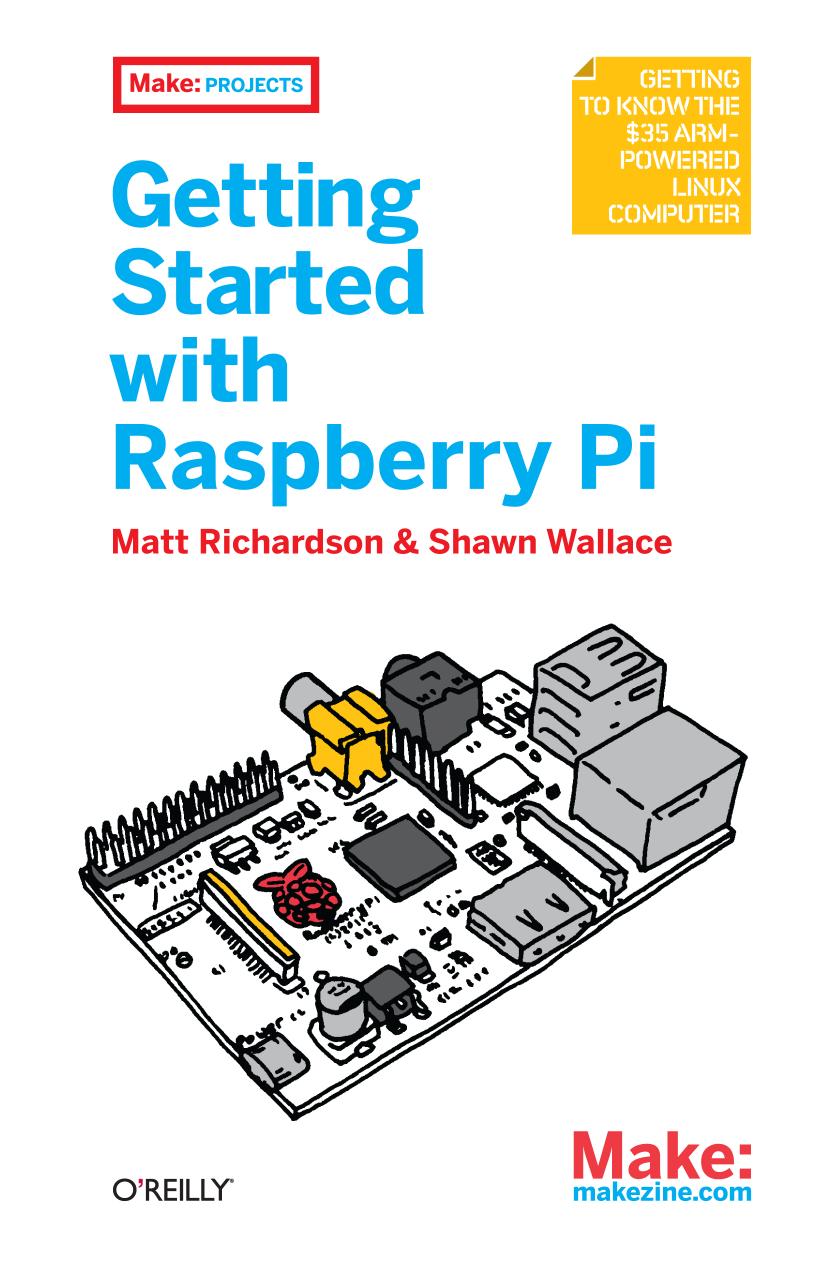
Author:Matt Richardson and Shawn Wallace
Language: eng
Format: mobi, epub, pdf
Publisher: Maker Media, Inc.
Published: 2016-07-14T16:00:00+00:00
Because Firmata is a serial protocol, you talk to the Arduino from Python in the same way as in previous examples, but using pyFirmata instead of pySerial. Use the write() method to make a digital pin high or low on the Arduino: from pyfirmata import Arduino from time import sleep board = Arduino('/dev/ttyACM0') while (1): board.digital[13].write(1) print("on") sleep(1) board.digital[13].write(0) print("off") sleep(1)
This code should blink the LED on the Arduino Uno board that is connected to pin 13. The full module is documented on the pyFirmata GitHub page.
Download
Getting Started with Raspberry Pi by Matt Richardson and Shawn Wallace.epub
Getting Started with Raspberry Pi by Matt Richardson and Shawn Wallace.pdf
This site does not store any files on its server. We only index and link to content provided by other sites. Please contact the content providers to delete copyright contents if any and email us, we'll remove relevant links or contents immediately.
A Swirl of Ocean by Melissa Sarno(51136)
The Book of Dreams (Saxon Series) by Severin Tim(33443)
Cecilia; Or, Memoirs of an Heiress — Volume 1 by Fanny Burney(32635)
Cecilia; Or, Memoirs of an Heiress — Volume 2 by Fanny Burney(32010)
Cecilia; Or, Memoirs of an Heiress — Volume 3 by Fanny Burney(31996)
Call Me by Your Name by André Aciman(20597)
Eleanor and Park by Rainbow Rowell(15549)
Always and Forever, Lara Jean by Jenny Han(14986)
For the Love of Europe by Rick Steves(14561)
Norse Mythology by Gaiman Neil(13457)
Crooked Kingdom: Book 2 (Six of Crows) by Bardugo Leigh(12366)
Shadow Children #03 - Among the Betrayed by Margaret Peterson Haddix(11963)
Among the Betrayed by Margaret Peterson Haddix(11641)
Twisted Palace by Erin Watt(11196)
Six of Crows by Leigh Bardugo(10283)
They Both Die at the End by Adam Silvera(9871)
P.S. I Still Love You by Jenny Han(9636)
Fangirl by Rainbow Rowell(9323)
Thirteen Reasons Why by Jay Asher(8992)
